I did an interview for Designing Sound recently, here it is in full;
By Mike Taylor
Andrew Quinn, sound designer at Splash Damage, was kind enough to speak to Designing Sound about his work on the recently announced mobile strategy title RAD Soldiers on the new social label WarChest. The music for the game was produced by Marc Canham of Nimrod Productions.
DS: Can you tell us a little about how you got into game audio, and your audio career so far?
AQ: I always had an interest in sound and music. In my youth I played guitar in local bands, recorded music with friend’s bands and generally made a racket. This messing with sound and music led to me studying a BSc in Creative Music and Sound Technology at Leeds Metropolitan University. During the course I got a chance to delve into post-production and more importantly game audio in the third year and I really enjoyed it. I stayed on another year at Leeds to do an MSc in Sound and Music for Interactive Games under the expert tutelage of Richard Stevens and David Raybould.
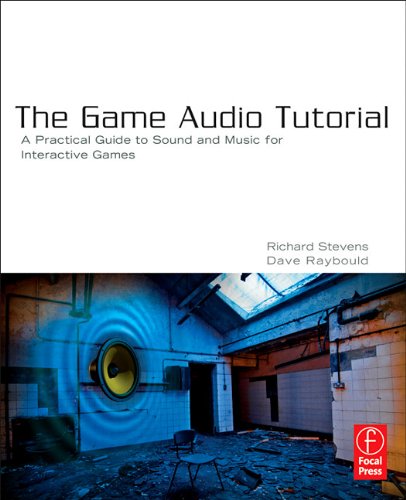
After I graduated from the masters, I really struggled to find a job in the games industry. Luckily, the university was looking for a part-time lecturer on their audio course and they took me on. As it was only part-time it gave me a bit of time to work on my own projects and get a portfolio of work together. One project I got to work on was the Game Audio Tutorial book by the aforementioned Leeds-based lecturers Richard Stevens and David Raybould. I ended up creating the tutorial levels and sound library bundled with the book.
That summer I decided to attend the Develop audio track in Brighton to do a bit of networking and generally get my portfolio about. I must have done something right as a few weeks later I secured a couple of interviews and later a job offer.
I joined Splash Damage just before BRINK shipped and I’ve been there just over a year now.
DS: Is there an area of sound that you’re particularly drawn to?
AQ: My main focus is sound design and implementation, that’s what I do. I particularly enjoy creating creatures and weapons.
DS: How did you approach pre-production for a mobile title such as RAD Soldiers? How did this differ from your work on a console title?
AQ: Pre-production for this title was very short. The game had already been going a little while when I was brought on, there was quite a bit of concept art, some of the characters and environments were being worked on and some of the base gameplay was already in. After I joined the rest of the team and I spent some of time working on the overall direction of the sound design and music. I came up with some style examples for the music and did a few pre-sonics for some of the ambience and weapons. I also wrote a document with some initial ideas for cool little audio systems we could have if we had the time to implement them.
In general though it’s very similar or I should say my approach is very similar, but scaled down. For instance, rather than ten variations of a knife stab or punch, we’ll have two. Instead of having all the characters speak localised dialogue, we’ll have very general barks, grunts and vocalisations that could be interpreted in any language. We may not have the same amount of time or budget as a AAA game but I still approach every sound with the question “How do I make this as good as possible with the resources available?”
DS: How large an influence did the Strategy genre and multiplayer aspects of the game have on your decisions?
AQ: We took a bit of inspiration from some strategy games, the Command and Conquer series and Worms being two notable examples. This was more their tongue-in-cheek approach to rather than a particular style.

DS: How do you approach communication with the other disciplines on the team? How closely do you work with the other departments?
AQ: During development I was sat with the team working on a pair of headphones rather than hidden away in a studio, so communication was pretty easy and free flowing. The team has always been fairly small (at its largest 8-10 people), so there was never the issue of not knowing what other people were working on or doing. It created a nice dynamic where you could iterate relatively quickly on content and make the game better.
DS: What do you feel is the hardest part of creating sound for interactive media on devices such as smartphones or tablets? What were the main creative / technical challenges you faced in achieving your vision?
AQ: Delivering a compelling and interesting audio experience on a mobile device is quite a challenge, however there were a few things inherent in the game that helped. The asynchronous turn-based gameplay meant that the amount of sound playing at any one time was largely predictable. This enabled me to orchestrate events in a semi-linear fashion, so the overall design ended up being pretty clean. The mix never really gets too busy which can be a problem in strategy/multiplayer games and would be an absolute nightmare on a mobile device. Additionally, for the most part the game has a fixed perspective and player view, so we didn’t have to deal with shifting distances or multiple player perspectives on the same actions which would have complicated the mix and increased the amount of sound playing back. So in the end we managed to avoid quite a few headaches that can be inherent of strategy and multiplayer games.
One of the major issues we encountered was caused by the devices’ ability to only decode .wav or .mp3. Wav is obviously really nice, but for most instances, the size of the file is just too big for a mobile device. Most of the implementation work in Unity was done on a PC that compresses sounds in Ogg, which is lovely. The Ogg compression seemed to hold up pretty well, even at ridiculously low bit rates. However when the build gets deployed to a device, all the sound gets re-compressed into MP3, which created all sorts of interesting problems. Listening back to the sounds on the devices was night and day; there was aliasing, artefacts and all sorts of other compression nasties. The guns and ambiences were particularly affected by this. In the end, I had to spend a bit of time working out what sort of compression values didn’t degrade the quality on a sound by sound basis. In some cases the Mp3 compression bit rate had to be a great deal higher than the Ogg versions to get the same quality.
Strangely, the usual game audio memory limitations haven’t seemed to be as much of an issue as they usually are. The devices themselves have a decent amount of memory, and being sensible about the amount of sound used has meant we haven’t had to go through assets purging quality. Saying that, it’s not like we have skimped on the amount of sound – in fact, we managed to squeeze over 1000 sounds into the base game.
DS: What are the Splash Damage audio team preferred tools for working with? Do you have any software suites, plugins or apps that you use regularly?
AQ: We use Sound Forge/Protools and a combination of Waves, GRM Tools, McDSP and Sound Toys plugins for content creation. Implementation in RAD Soldiers was done within the Unity Engine with some extra custom in-house audio components. On our other projects we’re running an Unreal-Wwise combo.
DS: What do you feel is the most satisfying part of creating sound for games?
AQ: Sound for games poses a unique challenge that I really enjoy. Not only do you have to create the sound asset but you also have to make it work in an interactive environment. When you have hundreds of events, states, parameters, dsp’s and files being triggered dynamically, just getting a sound playing back in-game as intended is a big win.
DS: Do you have a favorite sound or audio system from any game?
AQ: I can’t really put any one down, but I can mention a couple that impressed me recently. Mass Effect 3 did a great job of selling the scale of the war happening around you in the ambient audio, and the big audio events featuring the reapers were really cool. Portal 2 just generally impressed me audio wise, the gels had some really cool little music systems attached to them and the processing on GlaDos’s and Cave’s voices were really great. Oh and Battlefield 3 in its entirety (damn you, DICE, I want my life back).
DS: What was your personal favourite sound or audio system from RAD Soldiers that we can look forward to?
AQ: I had a lot of fun with the weapon and ability audio, it’s mostly hyper-realistic, overdesigned stuff. They were really fun to create.
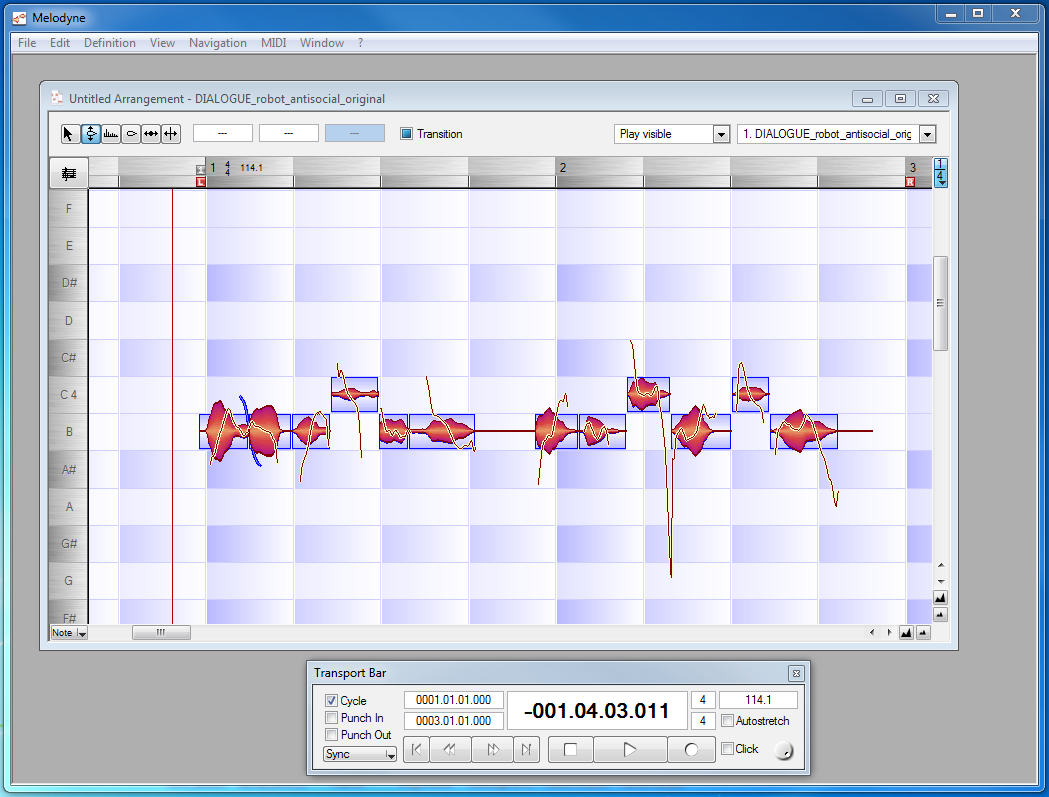
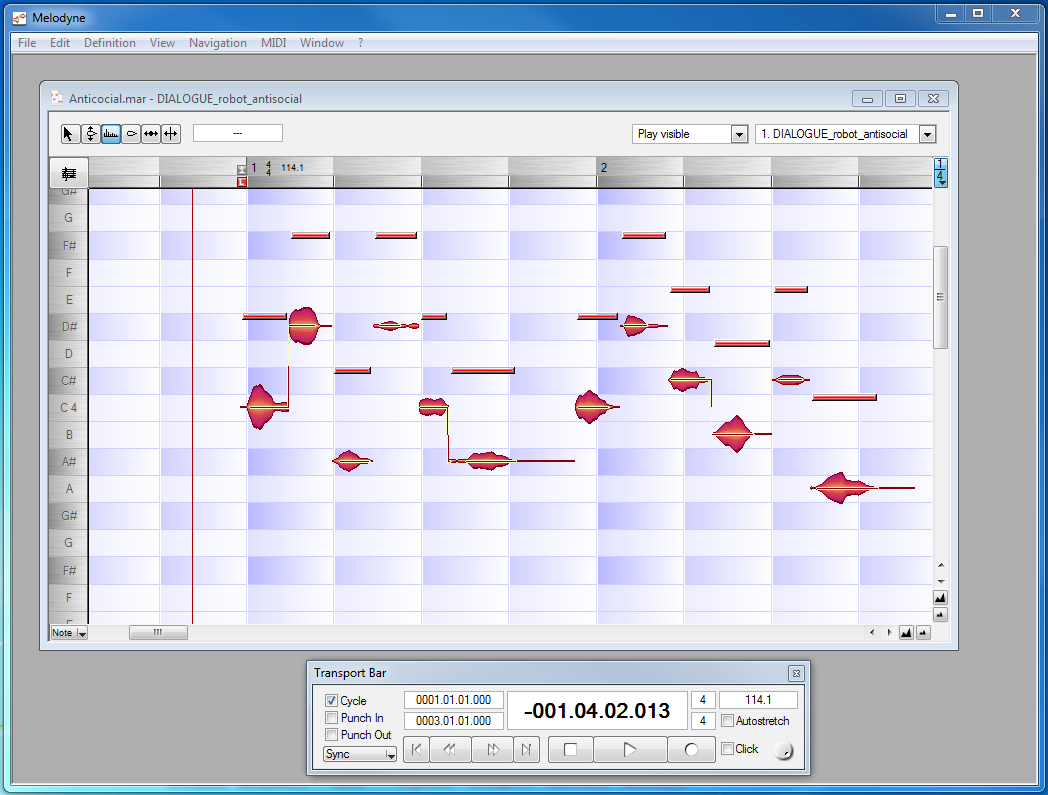
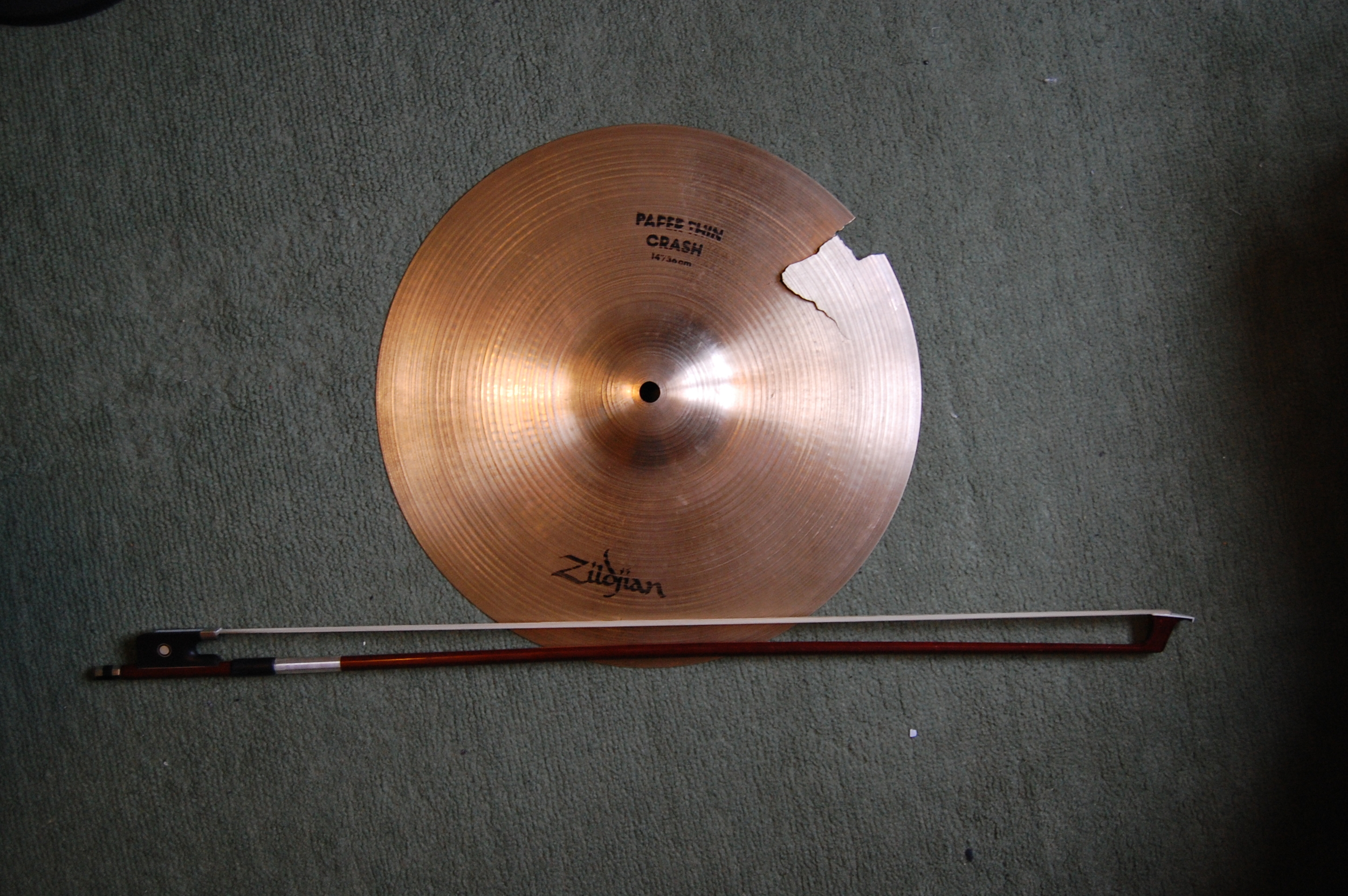
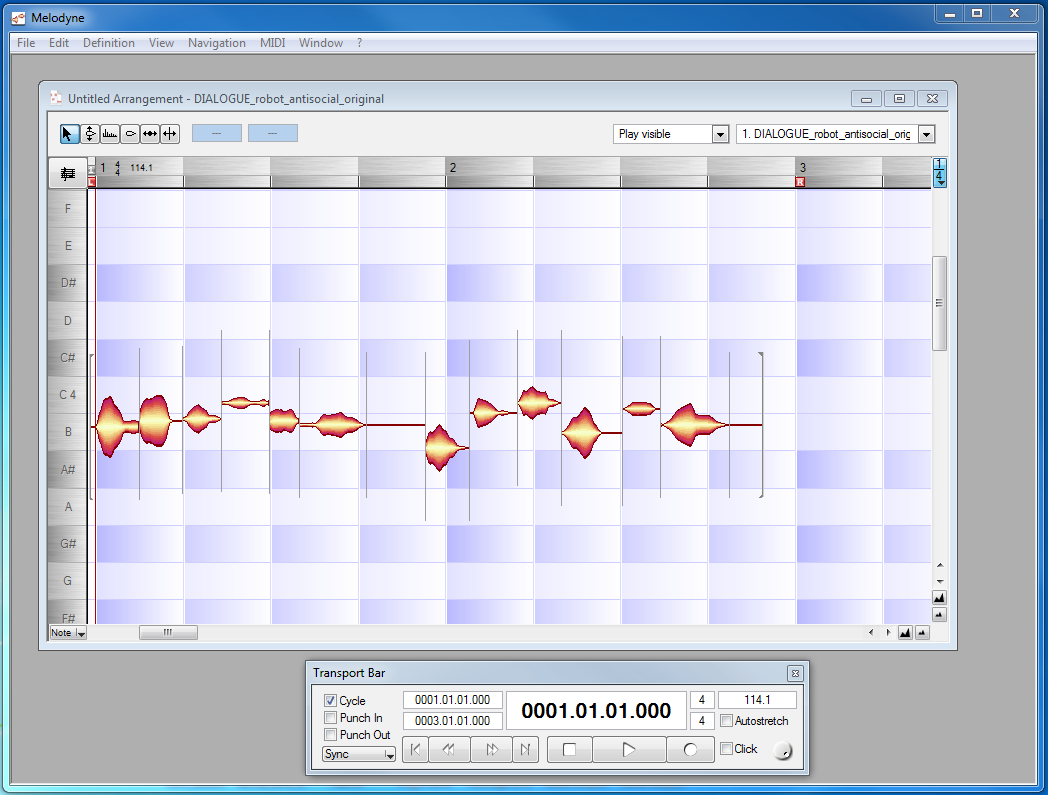
Another group of sounds I enjoyed creating was for the UAV character. He’s a plucky little robot that enjoys nothing more than a bit of casual leg humping. The sound of his voice was made using a recording of a screwdriver being fed into a little plastic desk fan and some processing with Sound Toy’s Crystallizer.
Under the hood, RAD Soldiers is pretty simple. There were a couple of little audio systems that I was pretty keen to get in from the start of the project. One of these was a simple ducking system to try and make the big events shine through. It’s essentially a very basic snapshot system that allows us to duck a group of sounds when another sound is playing. We can define the attack, duration, depth and release of the snapshot, and snapshots can layer on top of one another. It’s something that big, grown-up engines have been able to do for a while that I wanted to have.
Oh and seeing as the game is set in London, it would be a shame not to have a working Big Ben!
DS:What developments in game audio would you like to see in the future?
AQ:There is some interesting research going on into sound propagation, I’d like to see some systems that approach real acoustic modelling appearing. However with that, I’d still like to be able to tweak and tune how sound plays back within a space rather than having a one stop reality model.
DS: Thank you for your time, Andrew. We look forward to hearing the game in action!

 Works really nice as a sort of high end enhancer;